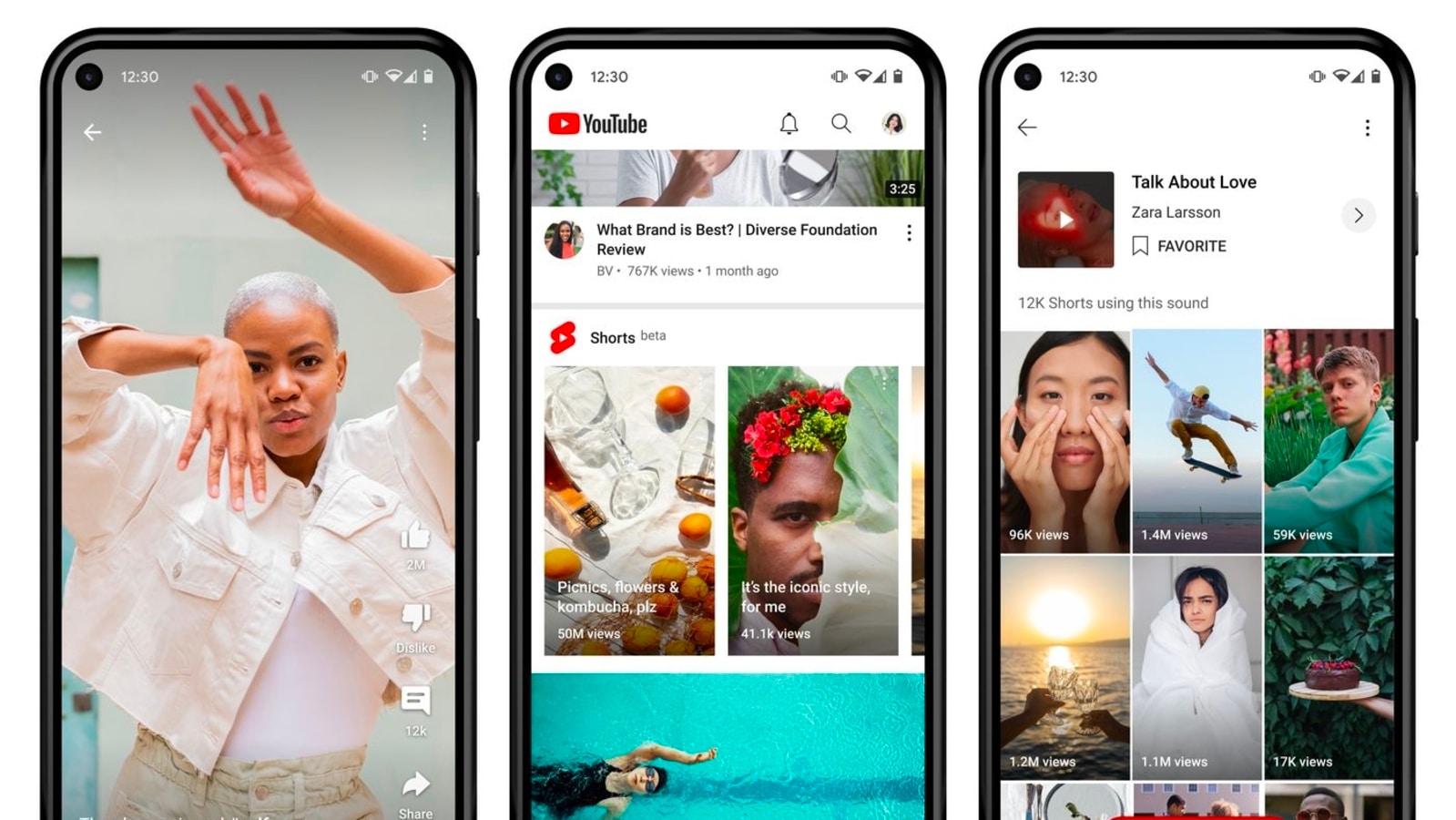
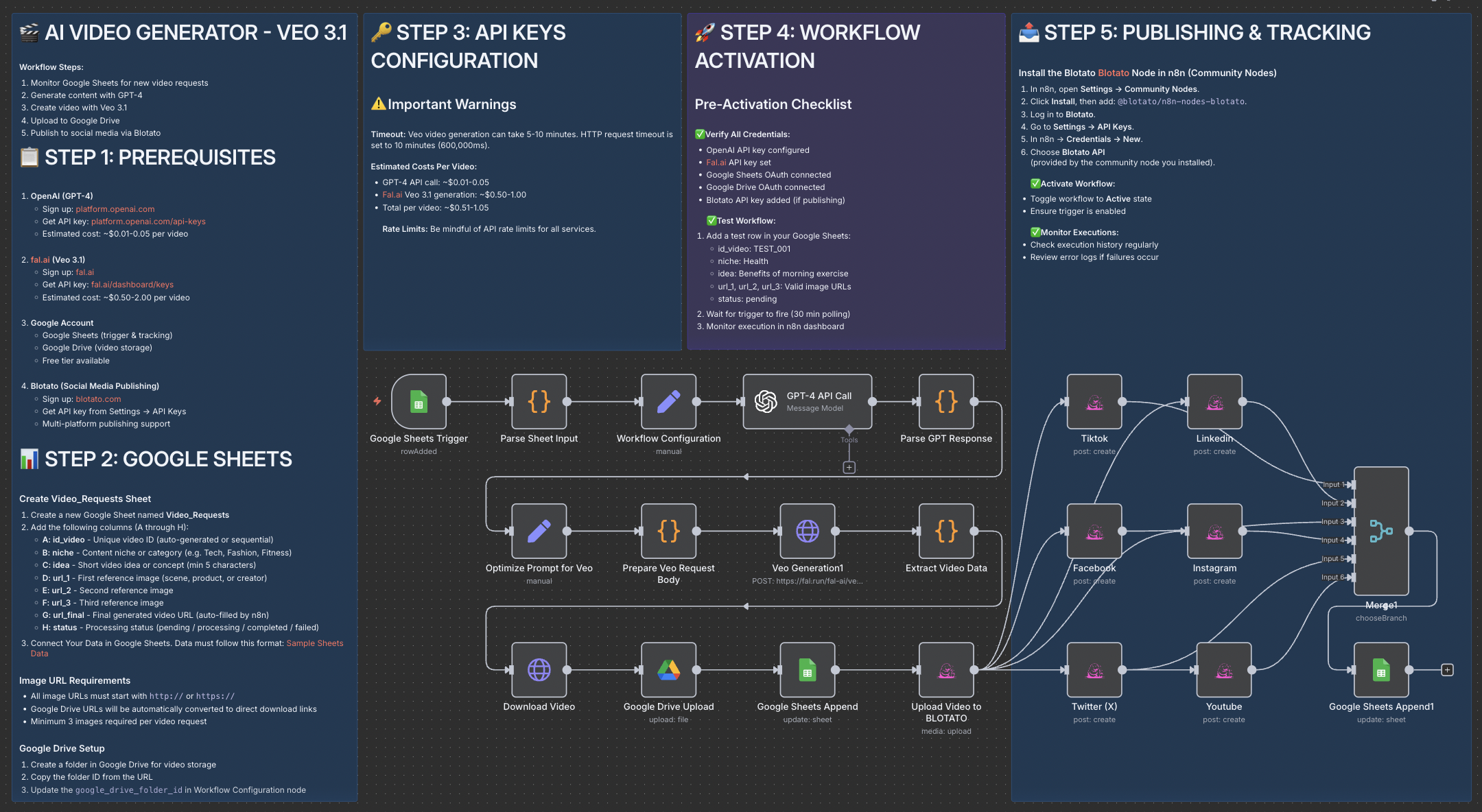
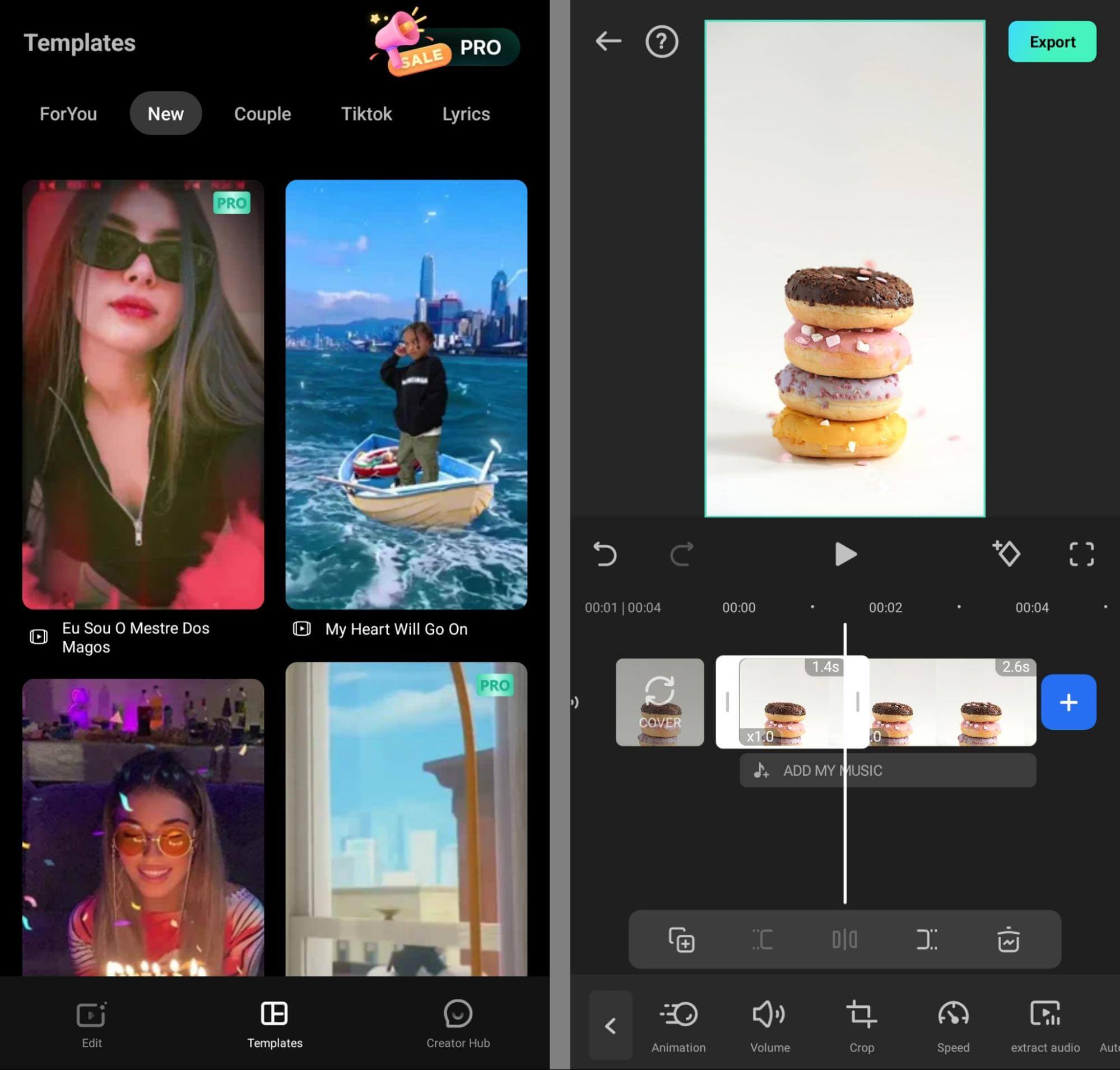
Short-form video is dominating digital content, and YouTube Shorts has become one of the most powerful growth tools for creators, brands, and businesses. With the rise of artificial intelligence, creating high-quality Shorts no longer requires a large team, advanced editing skills, or hours of manual work. AI can streamline ideation, scripting, editing, captioning, and optimization—if used correctly.
This SEO-ready guide offers practical, actionable advice on how to use AI effectively for YouTube Shorts, helping you grow faster while maintaining authenticity and quality.
Why AI Matters for YouTube Shorts
YouTube prioritizes Shorts that capture attention quickly, retain viewers, and encourage engagement. AI helps creators meet these demands by speeding up workflows and providing data-driven insights.
Key benefits of using AI for Shorts include:
- Faster content creation
- Consistent publishing schedules
- Better hooks and retention
- Improved captions and accessibility
- Smarter optimization based on analytics
However, AI works best as a creative assistant, not a replacement for human judgment.
1. Define Your Shorts Strategy Before Using AI
Before using any AI tools, establish clarity around your content goals.
Ask yourself:
- Who is my target audience?
- What problem does my content solve?
- Am I aiming for views, subscribers, or conversions?
AI performs better when guided by context. Feed it details about your niche, tone, and audience so outputs remain aligned with your brand.
SEO tip: Consistency in topic and format helps YouTube understand who to show your Shorts to, increasing discoverability.
2. Generate High-Performing Shorts Ideas With AI
One of AI’s strongest uses is idea generation. Instead of staring at a blank screen, creators can use AI to brainstorm content angles based on trends and audience interests.
AI can help you:
- Repurpose long-form videos into Shorts ideas
- Generate “mistake,” “tip,” or “myth-busting” formats
- Create content series that boost retention
Practical approach:
Ask AI for 20–30 ideas, then manually select the ones that:
- Fit your experience
- Can be explained in under 60 seconds
- Align with current audience needs
Avoid publishing everything AI suggests. Curation is key.
3. Use AI to Write Hooks and Scripts That Retain Viewers
The first three seconds of a Short determine its success. AI can quickly generate multiple hook variations that stop scrolling.
AI is useful for:
- Scroll-stopping openers
- Clear, concise scripts
- Call-to-action ideas
Best practice: Always rewrite AI-generated scripts in your own voice. Authenticity improves audience trust and watch time.
SEO benefit: Higher retention signals improve algorithmic distribution.
4. Repurpose Long Videos Into Shorts Using AI
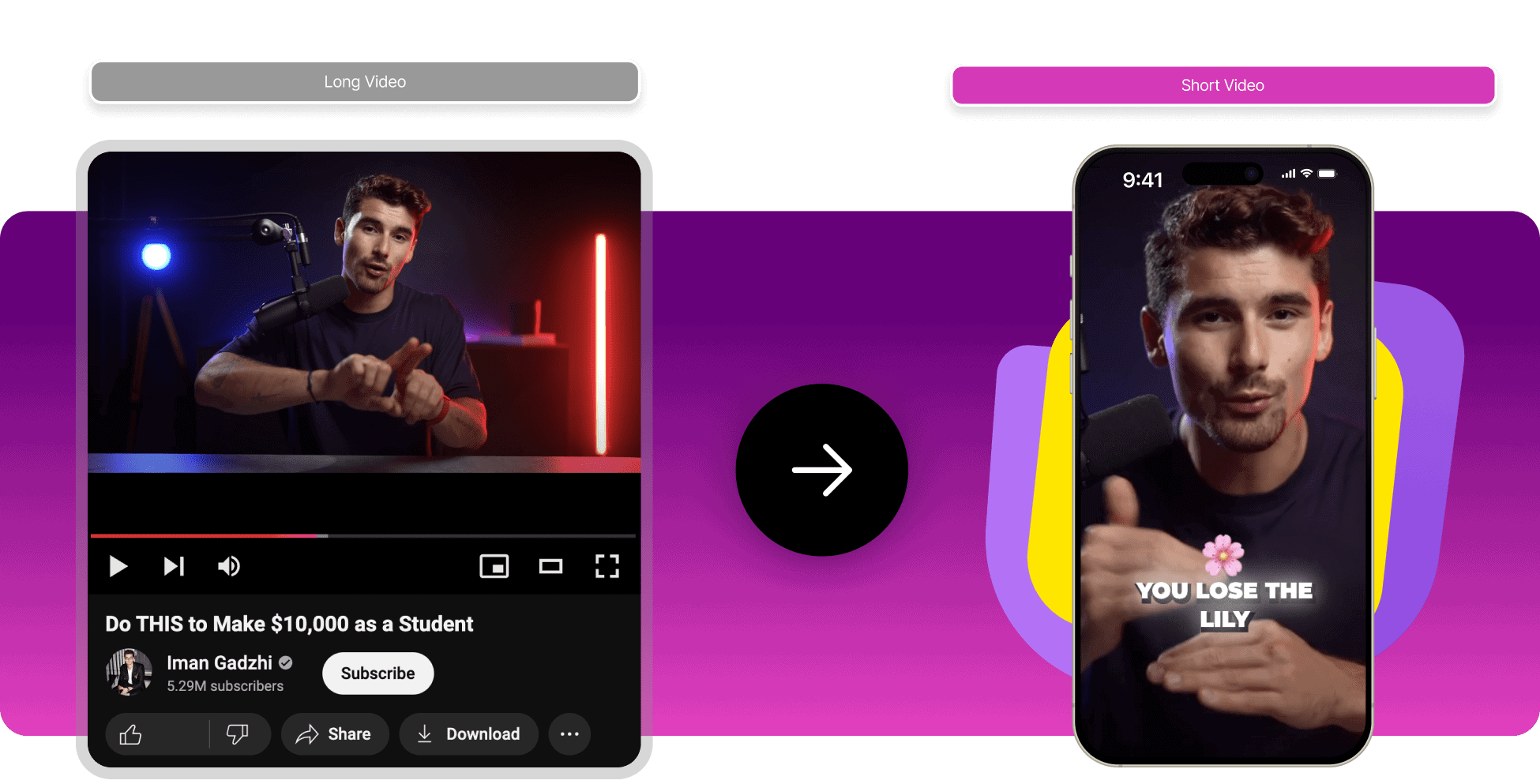

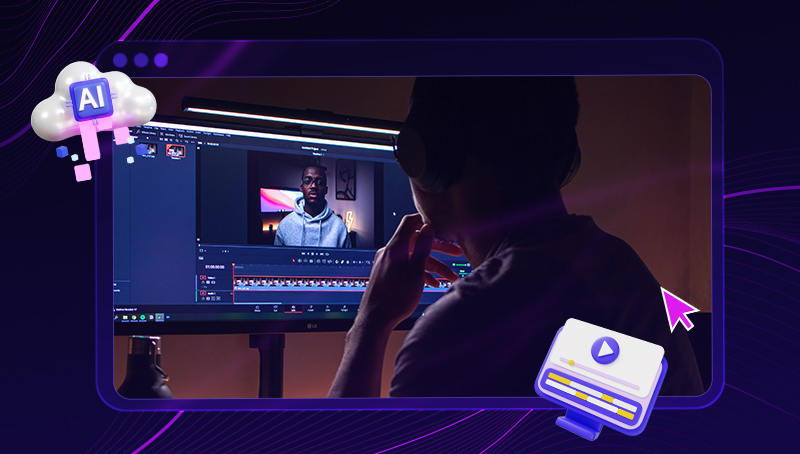
If you already produce long videos or podcasts, AI can dramatically increase output.
AI-powered editors can:
- Identify engaging moments
- Auto-crop to vertical (9:16)
- Remove pauses and filler words
- Add subtitles automatically
Practical advice:
Always review AI-selected clips. Make sure the Short has:
- A clear hook
- A complete idea
- A strong ending
Random clips without context perform poorly.
5. Improve Engagement With AI-Generated Captions
Captions are essential because many users watch Shorts without sound.
AI can:
- Transcribe speech accurately
- Highlight keywords
- Sync text with pacing
Optimization tips:
- Keep captions large and readable
- Use 1–2 lines at a time
- Highlight key words using color or emphasis
Always proofread captions—errors reduce credibility and viewer trust.
6. Enhance Video Quality With AI (Without Overdoing It)
AI tools can improve production value even when filming on a phone.
Useful AI features include:
- Auto-framing faces
- Noise reduction
- Video stabilization
- Color correction
Avoid excessive filters, animations, or AI avatars unless they fit your niche. Overuse can feel artificial and harm authenticity.
Rule: AI should enhance clarity, not distract from the message.
7. Optimize Titles, Descriptions, and Hashtags Using AI
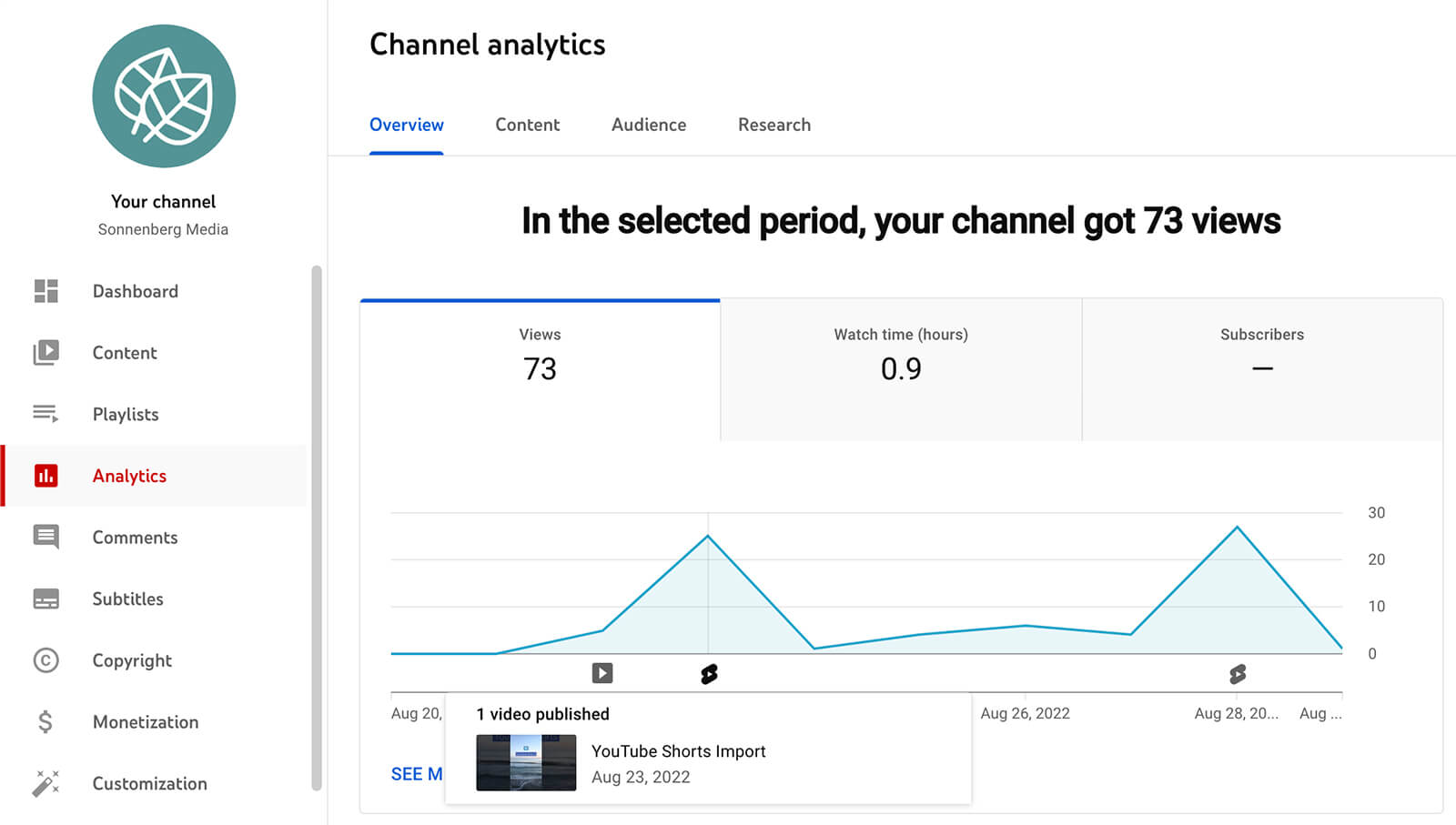
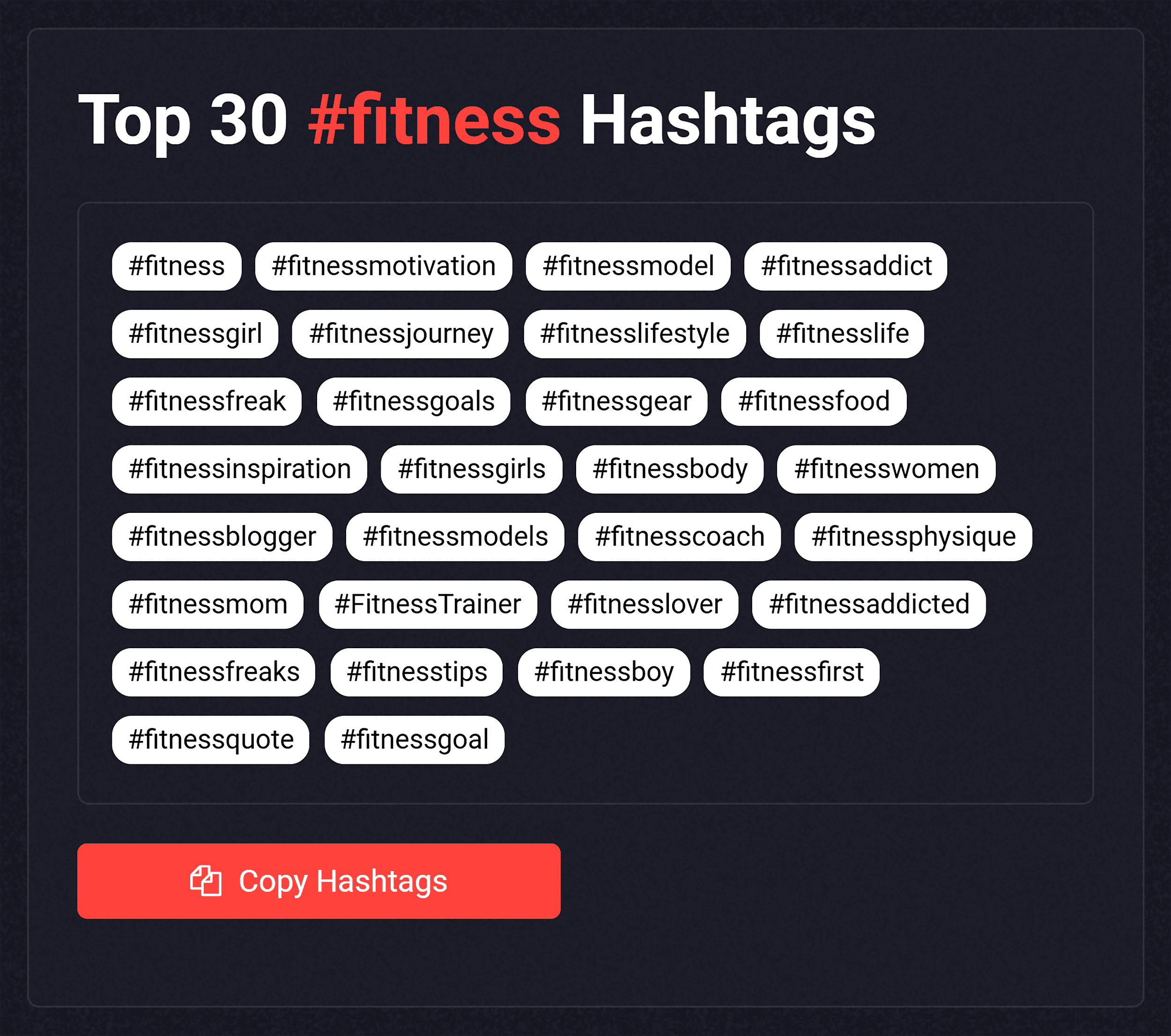
AI is extremely effective for metadata creation.
You can use AI to:
- Write compelling titles under 40 characters
- Generate concise, keyword-rich descriptions
- Suggest relevant hashtags
SEO best practices for Shorts:
- Use 2–4 relevant hashtags
- Place the main keyword early in the title
- Ensure the title matches the opening seconds of the video
Avoid clickbait. Viewer satisfaction matters more than impressions.
8. Analyze Shorts Performance With AI Insights
Some AI tools analyze performance data to identify trends and weaknesses.
They can reveal:
- Where viewers drop off
- Which hooks perform best
- Ideal posting times
- Caption styles that boost retention
Use this data to:
- Shorten intros
- Improve pacing
- Test new content formats
Combine analytics with human intuition for the best results.
9. Build a Repeatable AI-Powered Shorts Workflow
Consistency is more important than perfection. AI helps creators maintain a reliable posting schedule.
Example workflow:
- AI generates weekly ideas
- You script 3–5 Shorts
- AI assists with editing and captions
- You review and personalize
- AI helps optimize metadata
- Weekly performance review
This system saves time while preserving creative control.
10. Ethical and Creative Use of AI
Transparency and originality matter.
Keep these principles in mind:
- Don’t mislead viewers with AI-generated visuals
- Credit sources when repurposing content
- Maintain a consistent personal voice
Audiences connect with authenticity—not automation.
Use AI to Scale, Not Replace Creativity
AI has transformed how creators produce YouTube Shorts, making high-quality content more accessible than ever. When used strategically, AI speeds up ideation, improves editing, and enhances optimization—without sacrificing creativity.
The most successful creators treat AI as a scaling tool, not a shortcut. By combining AI efficiency with human storytelling, you can build Shorts that grow faster, engage deeper, and perform consistently over time.